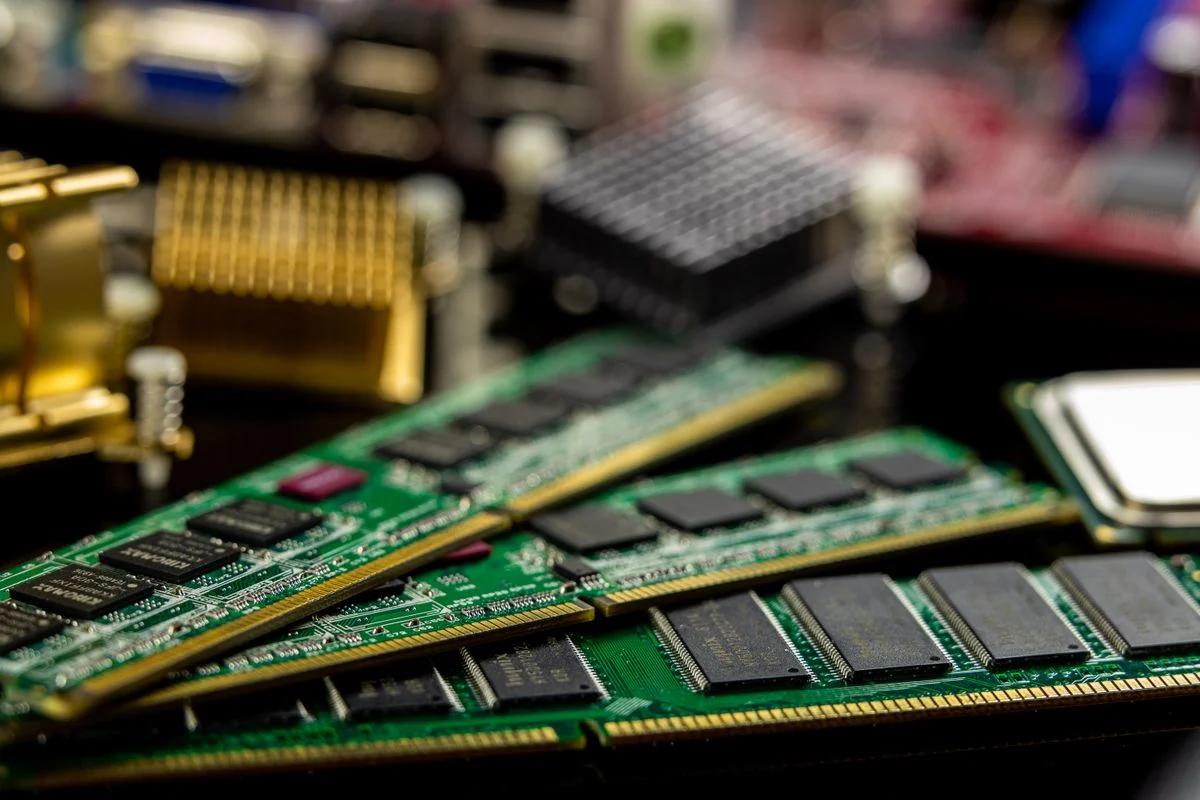
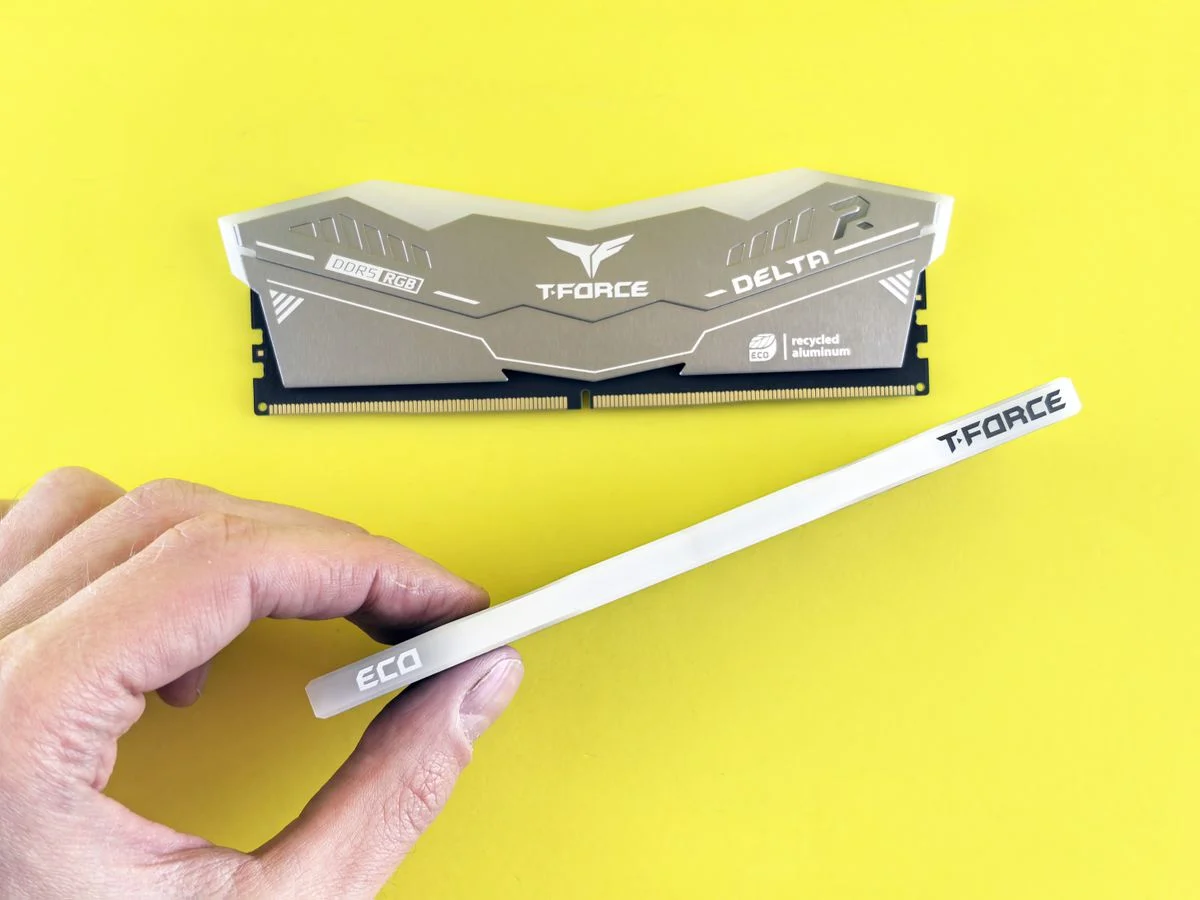
DDR4 and DDR5 are not interchangeable: DDR5 modules fit only DDR5 slots and DDR4 modules fit only DDR4 slots, so your motherboard decides which one you can use. The practical question is whether you should build on a DDR4 platform to save money or move to DDR5 for a longer upgrade path.
I based this guide on manufacturer manuals and spec sheets, published standards such as JEDEC memory specifications, and widely documented PC building practice. You will see where the answer depends on your CPU platform, your budget priorities, and how long you plan to keep the machine.
DDR4 vs DDR5 at a Glance
The table below compares the two memory types across the criteria that matter most when you plan a build. Treat every product-specific value, such as supported speed or capacity per module, as something you confirm in the motherboard manual and the memory kit's spec sheet.
| Criterion | DDR4 | DDR5 |
|---|---|---|
| Platform support | Common on older Intel and AMD generations | Required on newer Intel and AMD platforms |
| Module design | Single 64-bit data path per module | Two 32-bit subchannels per module |
| On-module power management | Voltage regulation on the motherboard | Voltage regulation built into the module |
| Typical capacity ceiling | Lower per-module ceiling in practice | Higher per-module ceiling in practice |
| Data rate range | Lower starting point and ceiling | Higher starting point and ceiling |
| Upgrade path | Mature, widely available used market | Current platform, longer future support |
| Tuning effort | Simple XMP profiles are common | XMP and EXPO profiles plus more BIOS options |
| Cost trade-off | Lower entry cost for comparable capacity | Higher entry cost for comparable capacity |
Platform Support Decides More Than Speed
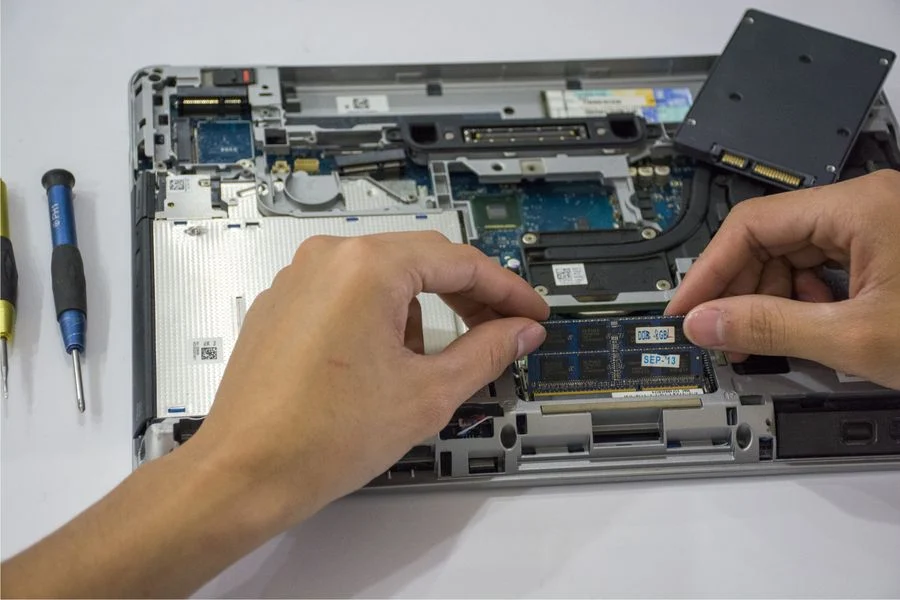
Your CPU and motherboard determine which memory you can install, so check the board's memory slot type before you shop. A DDR4 board has DDR4 slots and a DDR5 board has DDR5 slots, and the two keying notches are in different positions to prevent a wrong fit.
On the Intel side, some generations support both memory types depending on the chipset and board model, while others are DDR5 only. AMD's recent desktop platforms moved to DDR5 only, so a new AMD build usually means DDR5 whether you want it or not. If you are building in a small case, confirm memory clearance and slot layout in the manual, and my roundup of mini ITX motherboards for small builds can help you compare board layouts.
What to Check Before Buying
- Open the motherboard manual and confirm the memory type, slot count, and maximum supported capacity.
- Check the CPU spec page for the officially supported memory type and data rate.
- Look at the memory maker's qualified vendor list for your exact board model.
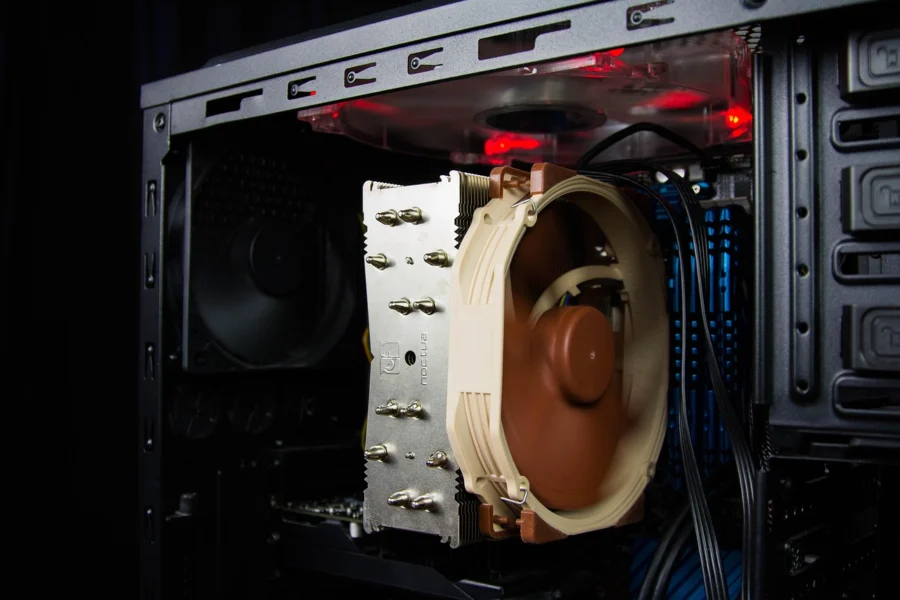
- Confirm cooler clearance if you use a large air cooler or a radiator in the top position.
Performance Traits You Will Actually Notice
DDR5 splits each module into two 32-bit subchannels, which improves how efficiently the memory feeds the CPU in many workloads. Higher data rates also raise the theoretical bandwidth ceiling. DDR4 uses a single 64-bit path per module and has a lower ceiling, but it remains capable for everyday tasks and most gaming.
In real use, the gap depends on the application, the CPU, and the memory settings. Games that stream large textures and productivity apps that move big data sets can benefit from the extra bandwidth, while light office work and web browsing rarely show a difference you can feel. Do not assume a higher data rate always wins: a well-tuned kit that matches your platform's memory controller is often the better choice.
If you are shopping for a gaming build, match the kit to your board's qualified list and enable the rated profile in BIOS. My roundup of DDR5 RAM for gaming covers kit selection criteria such as capacity, profile support, and heat spreader height.
Where the Differences Show Up
- Bandwidth-heavy work: video editing, 3D rendering, and large data sets can use the extra DDR5 bandwidth.
- Gaming: gains vary by title and resolution, and a strong GPU usually matters more than memory type.
- Everyday use: office apps and browsing rarely reveal a meaningful difference.
- Integrated graphics: memory bandwidth matters more here, which can favor DDR5 on platforms that support it.
Cost, Upgrades, and Common Mistakes
DDR4 usually costs less for a given capacity, which makes it attractive for a low-cost build or a refresh of an older machine. DDR5 costs more up front but sits on the current platform, so it offers a longer window for future CPU upgrades. Compare total platform cost, not just the memory kit, because the motherboard and CPU choices often dominate the difference.
A common mistake is buying memory before confirming the board's slot type and qualified list. Another is mixing kits from different batches and expecting the rated profile to work; buy a matched kit when you can. Also avoid assuming that a higher data rate will run on every board, since the CPU memory controller and board topology set the practical limit.
Safety and Handling
Power down and unplug the PC before you open the case, then touch a grounded metal surface to discharge static. Handle modules by the edges, align the notch, and press until the latches click. For model-specific torque, slot population rules, and clearance values, follow the motherboard manual and the memory maker's support page.
Which One Should You Choose
Choose based on the platform you own or plan to buy, then let budget and upgrade plans settle the rest.
Choose DDR4 If
- You already own a DDR4 motherboard and want a cost-effective capacity upgrade.
- You are building a low-cost office or family PC where everyday tasks dominate.
- You plan to keep the machine for a few years and do not need a future CPU upgrade path.
- You can find a matched kit on your board's qualified vendor list.
Choose DDR5 If
- You are buying a current Intel or AMD platform that requires DDR5.
- You work with large data sets, video editing, or 3D rendering where bandwidth helps.
- You want a longer upgrade path for future CPU generations on the same board.
- You plan to use integrated graphics and want the extra bandwidth.
If you are still undecided, start with the motherboard: the slot type makes the decision for you. From there, pick a capacity that fits your workload and confirm the kit appears on the board's qualified list.
Frequently Asked Questions
Can I put DDR5 RAM in a DDR4 motherboard?
No, DDR5 modules will not fit DDR4 slots because the keying notches are in different positions. The board and CPU must support DDR5, so check the motherboard manual and CPU spec page before buying any memory kit.
Is DDR5 faster than DDR4 for gaming?
DDR5 offers higher bandwidth, but gaming gains vary by title, resolution, and GPU. A strong graphics card usually matters more than memory type, so match the kit to your board's qualified list and enable the rated profile in BIOS.
Do I need to enable XMP or EXPO for DDR5?
You should enable the rated profile in BIOS to run the kit at its advertised data rate. Without it, the memory often runs at a slower default speed. Confirm the profile name in the motherboard manual and test stability after enabling it.
Can I mix DDR4 and DDR5 modules in one PC?
No, a motherboard supports one memory type, so you cannot mix DDR4 and DDR5 modules in the same board. Buy a matched kit of the correct type for your board, and confirm capacity and slot population rules in the manual.
Final Thoughts
The single most important takeaway is that your motherboard and CPU decide whether you use DDR4 or DDR5, so confirm the slot type before you shop. Let platform support come first, then weigh cost against the upgrade path you want.
Pick a matched kit from the board's qualified list, enable the rated profile, and check stability with a memory test. Keep the manual handy for model-specific values.