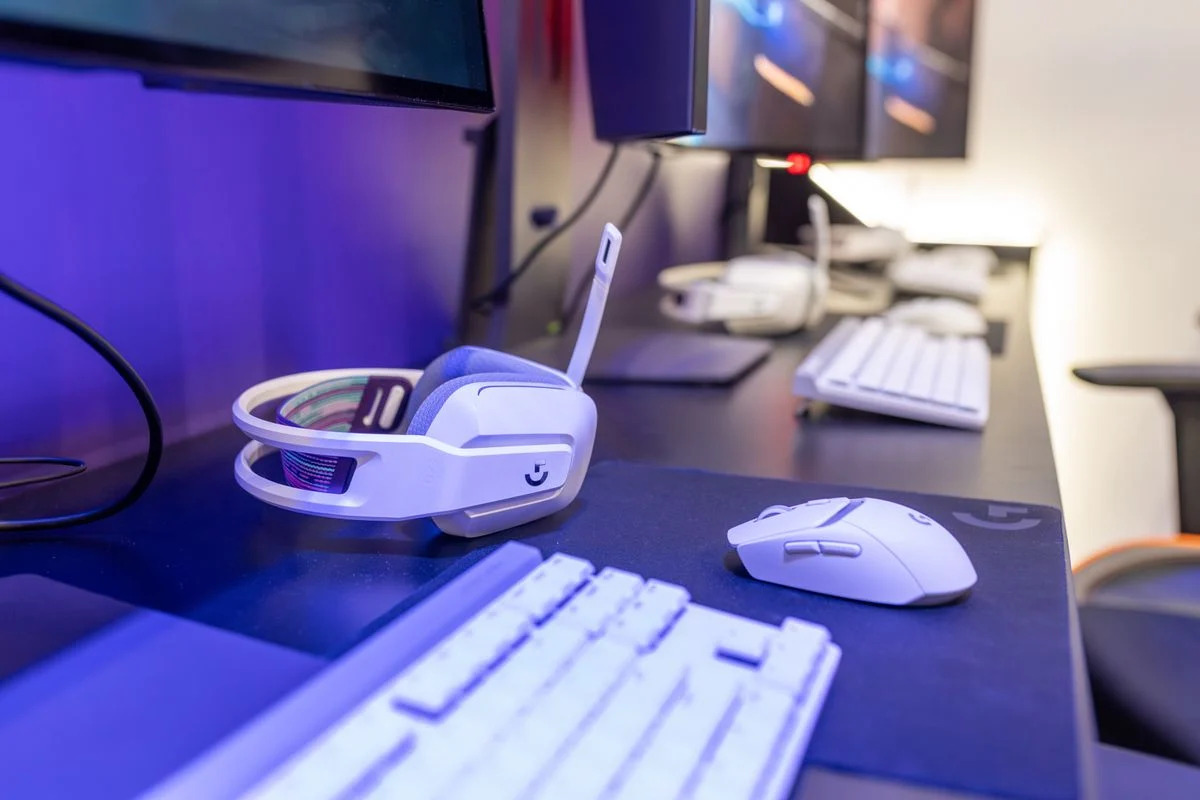
A wired gaming headset is the safer pick when you want a simple, dependable connection with no charging routine, while a wireless gaming headset is better when freedom of movement and a clean desk matter more to you. The right answer depends on your platform, your play style, and how much you value convenience over certainty.
I based this guide on manufacturer manuals and spec sheets, published standards such as USB, Bluetooth, and 2.4 GHz wireless, and widely documented PC and console practice. I will walk you through the real differences, the trade-offs that matter, and the mistakes to avoid, so you can choose without guessing.
Wired vs Wireless Gaming Headset at a Glance
The table below compares the two options across the criteria that affect daily use. Treat it as a starting point, then read the sections that follow for the context behind each row.
| Criterion | Wired headset | Wireless headset |
|---|---|---|
| Connection | USB, USB-C, or 3.5 mm analog cable | 2.4 GHz USB dongle, Bluetooth, or both |
| Latency | Effectively immediate, no wireless encoding | Low with a dedicated 2.4 GHz dongle, higher over Bluetooth |
| Power | Draws power from the device or needs none | Built-in battery, needs regular charging |
| Audio and mic quality | Often strong for the money, no wireless compression | Good to excellent, but depends on the wireless codec and design |
| Freedom of movement | Limited by cable length | Move around the room within wireless range |
| Setup and compatibility | Plug in and play on most devices | Pairing, dongle ports, and platform support vary |
| Durability concerns | Cable and connector wear over time | Battery aging and charging port wear |
| Desk and travel | Cable clutter, easy to pack | Cleaner desk, extra charging gear to carry |
Connection, Latency, and What You Actually Feel
A wired headset sends audio over a physical connection, so there is no wireless encoding step between your game and your ears. That makes it the predictable choice for competitive play, rhythm games, and anything where you want the sound to track your inputs as closely as possible.
Wireless headsets come in two main flavors. A 2.4 GHz USB dongle creates a dedicated link that is designed for low latency, and it is the better choice for gaming. Bluetooth is more convenient for calls and music but adds noticeable delay, which is why you should avoid it for fast-paced games when a dongle is available.
Where Each Connection Type Fits
- Choose wired if you play competitive shooters, fighting games, or rhythm titles and want zero wireless uncertainty.
- Choose a 2.4 GHz wireless headset if you want freedom to move without giving up low latency.
- Use Bluetooth only for casual games, voice chat, or listening on a phone, and switch to the dongle for play.
One common mistake is buying a Bluetooth-only headset for PC gaming and then wondering why audio feels out of sync. Check the spec sheet for a dedicated 2.4 GHz connection before you commit.
Power, Battery, and Charging Habits
Wired headsets never ask you to think about charging. Some draw power over USB for features like RGB lighting or active noise cancellation, while analog models need no power at all. That simplicity is a real advantage if you game in long sessions or hate managing one more device.
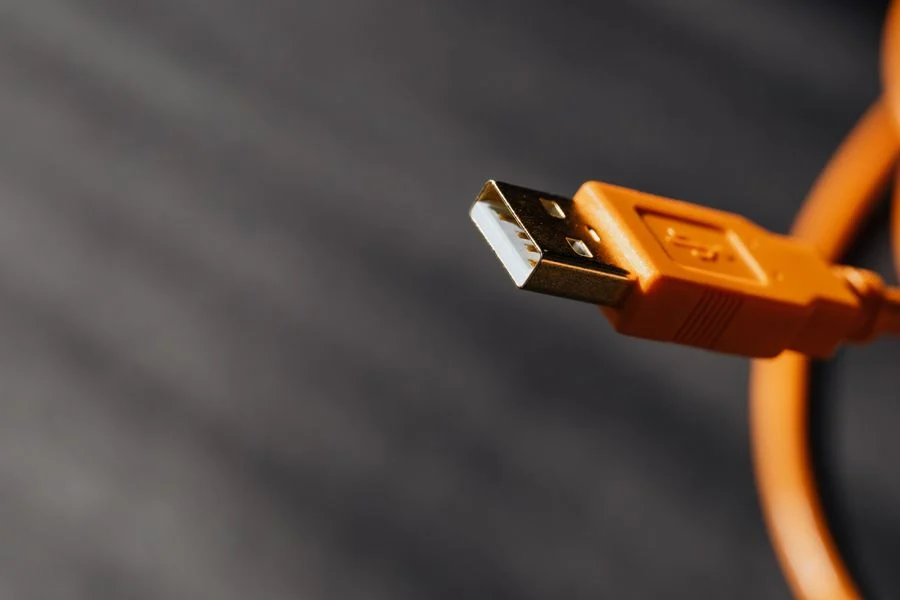
Wireless headsets run on a built-in battery, and every battery ages. Manufacturer spec sheets list claimed battery life, but real numbers depend on volume, lighting, and whether you use the mic. Plan a charging routine, and keep a USB cable at your desk as a backup so a low battery never ends your session.
Practical Charging Tips
- Charge after each session or keep the headset on a stand with a charging cable attached.
- Check whether the headset supports pass-through audio over USB so you can play while charging.
- Read the manual for battery care guidance, since heat and full-time charging can affect longevity.
Audio Quality, Microphone, and Platform Support
Wired headsets often deliver strong audio for the money because there is no battery or wireless hardware to pay for. They also avoid wireless compression, so the signal reaching your ears is the one the headset produced. That does not make every wired model better, but it removes one variable.
Wireless headsets can sound excellent, especially over a 2.4 GHz dongle, but quality varies by codec and design. The microphone matters too: wireless mics add another link in the chain, so check reviews and spec sheets for mic clarity rather than assuming.
Platform support is where the choice gets messy. A wired 3.5 mm headset works on almost anything with a headphone jack, including consoles and controllers. A wireless headset may need a dongle, a specific USB port, or a pairing process, and support differs between PC, PlayStation, and Xbox. If you play on PS5, my roundup of wireless gaming headsets for PS5 covers models built for that platform.
Fit also affects how much you enjoy either option. If you have a larger head, a poorly sized headset will feel wrong no matter how it connects, so my guide to gaming headsets for big heads can help you narrow the field before you decide on wired or wireless.
Which One Should You Choose
There is no universal winner. Match the headset to how you play, what you play on, and how much you value a clean desk. Use the lists below to make the call.
Choose a Wired Gaming Headset If
- You play competitive games where latency and a predictable connection matter most.
- You dislike charging routines or game in long sessions.
- You want the simplest setup across PC, console, and controller jacks.
- You are building a first setup and want fewer variables to troubleshoot.
Choose a Wireless Gaming Headset If
- You want to move around your room without a cable tugging at you.
- You value a clean desk and do not mind a charging habit.
- You will use the 2.4 GHz dongle for gaming and Bluetooth for calls or music.
- Your platform has clear wireless support and you have checked the spec sheet.
Whichever you pick, keep your listening volume moderate and take breaks, since long exposure to loud sound can damage your hearing. If you feel discomfort or pain in your ears or head, stop using the headset and speak with a doctor or physical therapist rather than pushing through.
Frequently Asked Questions
Is a wired or wireless gaming headset better for competitive gaming?
A wired headset is the safer choice for competitive play because it avoids wireless encoding and charging interruptions. A 2.4 GHz wireless headset with a dedicated dongle is a reasonable alternative, but Bluetooth adds delay that you will notice in fast games.
Do wireless gaming headsets have worse audio quality than wired ones?
Wireless headsets can sound just as good as wired ones, especially over a 2.4 GHz dongle, but quality varies by codec and design. Wired models avoid wireless compression and often deliver strong audio for the money, so compare spec sheets rather than assuming one is better.
How do I keep a wireless gaming headset charged during long sessions?
Keep a USB cable at your desk and check whether the headset supports audio over USB while charging. Charge after each session or use a charging stand, and follow the manufacturer manual for battery care guidance to slow battery aging.
Can I use a wired gaming headset on a console?
A wired headset with a 3.5 mm plug works on most consoles and controllers with a headphone jack. USB wired models depend on platform support, so check the manufacturer spec sheet for your console before buying.
Final Thoughts
The single most important takeaway is to match the connection type to your priorities: wired for predictability and zero charging, wireless for freedom and a clean desk. Check platform support and the spec sheet before you buy, and keep your volume moderate with regular breaks.
Pick the option that fits how you actually play, not the one that sounds more exciting on paper.