The short answer: NVMe SSDs are faster and now cost about the same as SATA drives, so they are the default choice for most new builds. SATA SSDs still make sense for older systems without an M.2 slot, for bulk secondary storage, or when you find a deal on a high capacity drive.
Below I break down the real differences between the two interfaces, explain where each one fits, and give you a clear verdict based on your platform and use case. I based this guide on manufacturer manuals and spec sheets, published standards such as PCIe, USB, and ATX, and widely documented PC building practice.
NVMe vs SATA SSD Comparison Table
The table below compares the two drive types across the criteria that matter most when you are choosing storage for a build or upgrade. Keep in mind that real world performance depends on your motherboard, CPU platform, and how the drive is used.
| Criterion | NVMe SSD | SATA SSD |
|---|---|---|
| Interface | PCIe via M.2 slot | SATA III via 2.5 inch bay or M.2 SATA slot |
| Typical form factor | M.2 stick, no cable | 2.5 inch rectangular drive with two cables |
| Maximum theoretical speed | Far higher, limited by PCIe generation | Capped by the SATA III interface |
| Compatibility | Requires an M.2 slot with PCIe support | Works on nearly any desktop or laptop from the last decade |
| Cable management | No cables, mounts directly to board | Requires data and power cables |
| Cost per GB | Similar to SATA at many capacities | Often similar, sometimes higher at large capacities |
| Best use case | Boot drive, games, large file work | Secondary storage, older systems, bulk media |
Notice that the biggest practical difference is not raw speed but compatibility and physical fit. A SATA drive will work in almost any system, while an NVMe drive needs the right slot and platform support.
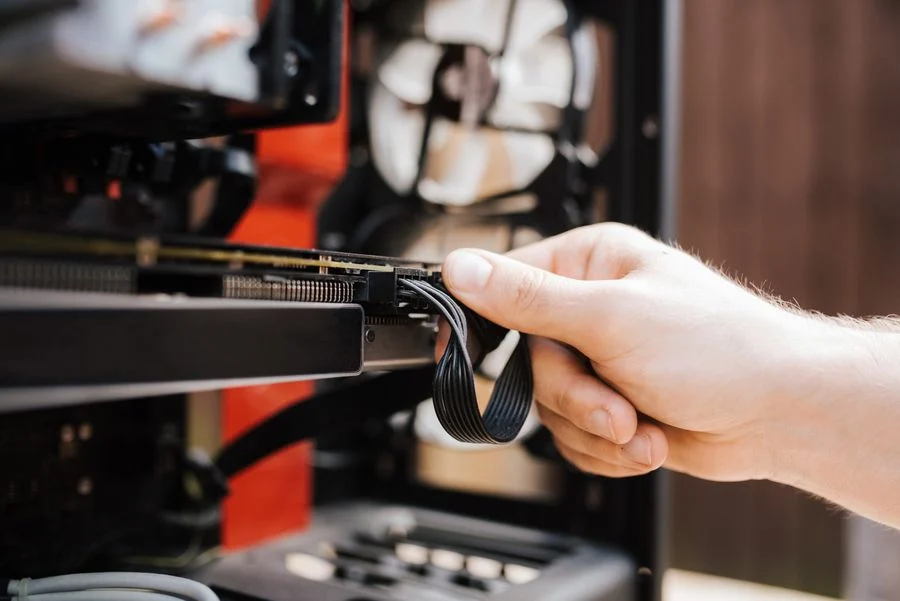
The Real Difference Between NVMe and SATA
SATA SSDs use the same interface as older hard drives, so they are limited by that interface's bandwidth. NVMe drives communicate directly over PCIe lanes, which allows much higher throughput and lower overhead. In everyday tasks like booting Windows or loading a game, the gap is smaller than the spec sheets suggest, but it grows with large file transfers and heavy multitasking.
Form Factor and Installation
A SATA SSD is a 2.5 inch rectangle that sits in a drive bay and needs a data cable to the motherboard plus a power cable from the PSU. An NVMe drive is a bare M.2 stick that screws directly into a slot on the motherboard, with no cables at all. That makes NVMe cleaner to install and better for small cases.
Before you buy, check your motherboard manual for M.2 slot layout and whether the slot supports PCIe or only SATA. Some boards share lanes between M.2 slots and SATA ports, so installing an NVMe drive can disable a SATA port. The manual will tell you which ports are affected.
Speed and Real World Feel
NVMe drives win on paper by a wide margin, but for gaming and general desktop use the difference is often modest. Games load somewhat faster on NVMe, and large project files move quicker, but you will not notice a dramatic change in everyday browsing or office work. If you regularly move big video files or work with large datasets, the NVMe advantage is easier to feel.
One caveat: cheap NVMe drives without a DRAM cache can slow down during sustained writes. A good SATA SSD with a DRAM cache can feel more consistent in those moments. Check the spec sheet for cache type and sustained write behavior rather than just the peak speed number.
If you are shopping for a gaming drive, my roundup of NVMe SSDs for gaming covers the models worth comparing.
Compatibility and Platform Notes
Your platform decides which drive you can use. Modern Intel and AMD boards almost always have at least one M.2 slot that supports NVMe, and many have two or more. Older boards may have an M.2 slot that only supports SATA, which means an NVMe drive will not work there even though the slot looks the same.
On the software side, Windows and macOS both support NVMe drives natively on current versions. If you are installing an older operating system, check the manufacturer notes for driver support. For laptops, confirm the M.2 slot length and keying before buying, since some thin laptops use shorter drives.
- Check the manual first: the motherboard or laptop manual lists M.2 slot type, length, and keying.
- Watch lane sharing: an NVMe install may disable a SATA port or reduce GPU lanes on some boards.
- Mind the thermals: high speed NVMe drives can throttle without a heatsink, so use the board's heatsink or the one included with the drive.
- Keep a SATA option: a 2.5 inch bay is handy for a secondary drive or a clone of your old disk.
Before opening your case, shut down the PC, switch off the PSU, and unplug it from the wall. Ground yourself by touching bare metal on the case or wearing an anti-static wrist strap before handling any drive. Follow the motherboard and drive manuals for slot placement and screw torque, and never interrupt a BIOS update.
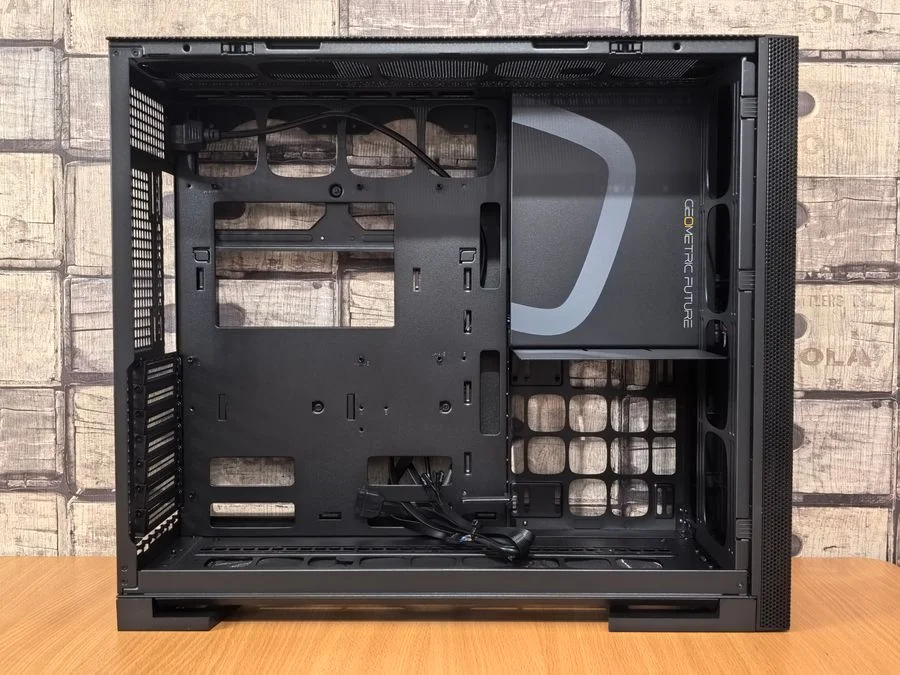
Which One Should You Choose
For most new builds, an NVMe drive is the right primary storage. It is faster, cable free, and priced close enough to SATA that the difference rarely decides the purchase. Choose SATA when your system cannot take NVMe or when you need a large secondary drive for media and backups.
Choose NVMe If:
- Your motherboard has an M.2 slot that supports PCIe.
- You want the fastest boot and game load times your platform allows.
- You work with large files, video editing, or data heavy applications.
- You want a cleaner build with fewer cables.
- You are building a small form factor PC where space is tight.
Choose SATA If:
- Your system lacks a usable M.2 slot or only supports M.2 SATA.
- You need a secondary drive for media, backups, or older games.
- You are upgrading an older laptop or desktop with a 2.5 inch bay.
- You want to clone your existing drive to a like for like replacement.
- You find a high capacity SATA drive at a better value for bulk storage.
A common mistake is buying an NVMe drive for a board whose M.2 slot is SATA only, or forgetting to check lane sharing before installing. Another is skipping the heatsink on a fast drive in a cramped case. Read the manuals, confirm the slot type, and you will avoid most of the headaches.
Frequently Asked Questions
Is NVMe faster than SATA for gaming?
NVMe is faster in benchmarks and large file transfers, but game load times improve only modestly over a good SATA SSD. The bigger gains show up in level streaming and asset heavy titles, and in day to day use the difference is often hard to notice.
Can I use an NVMe SSD in a SATA M.2 slot?
No, an NVMe drive needs a slot that supports PCIe, while a SATA M.2 slot only accepts SATA drives. Check your motherboard manual for the slot type before buying, since the connectors look identical.
Do I need a heatsink for my NVMe SSD?
Many NVMe drives run fine without one in a well ventilated case, but fast models can throttle under sustained writes. Use the motherboard heatsink or the one included with the drive if you do heavy file work or have limited airflow.
Should I replace my SATA SSD with NVMe?
Replace it only if you want faster large file transfers or your SATA drive is failing or full. For everyday use and gaming, a healthy SATA SSD is still fine, and the money may be better spent elsewhere in the build.
Final Thoughts
The single most important takeaway: buy NVMe for your primary drive on any modern build, and keep SATA for secondary storage or older systems that cannot take NVMe. The speed gap is real but smaller than the marketing suggests, so match the drive to your platform and workload rather than chasing peak numbers.
Check your motherboard manual for slot type and lane sharing before you buy, and install with the PSU off and yourself grounded. A sensible drive choice matters more than the fastest spec on the box.