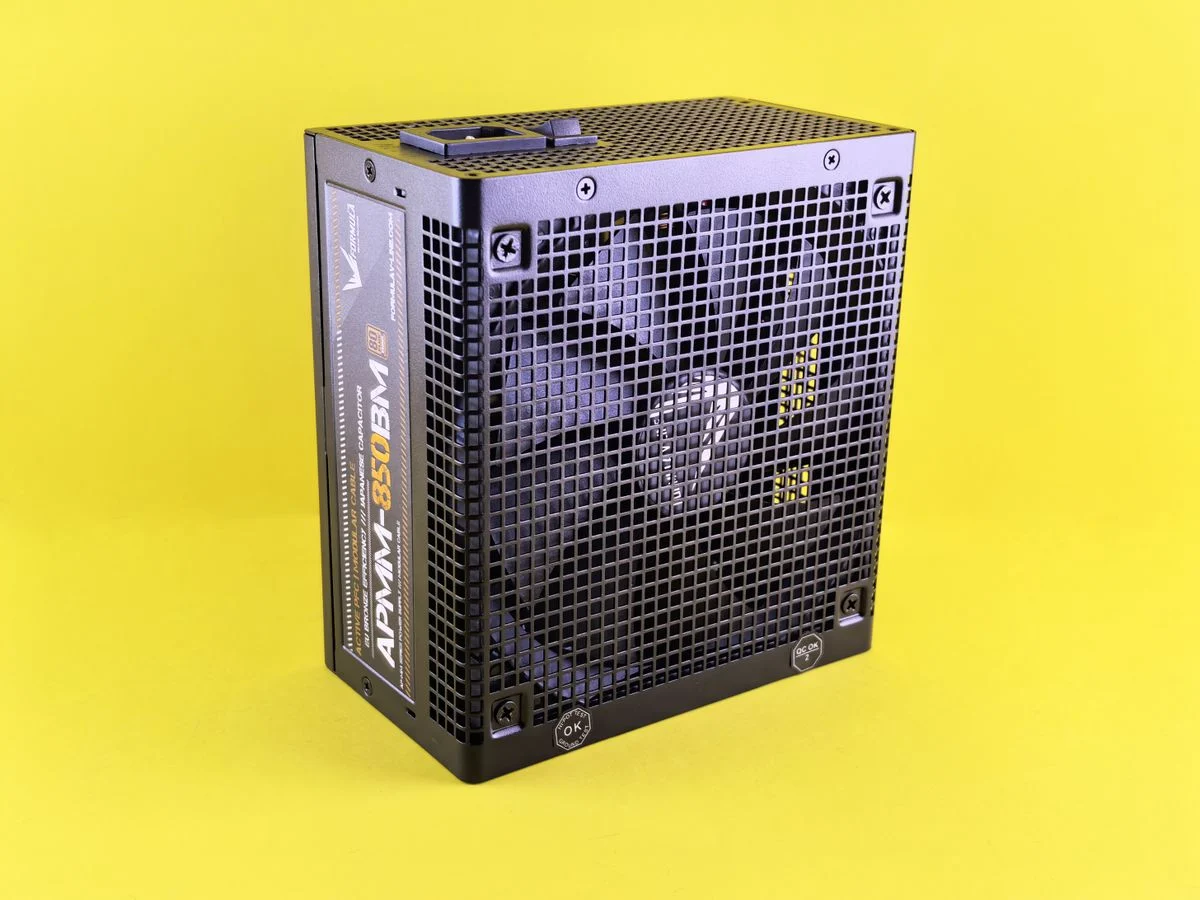
A modular power supply lets you connect only the cables your build needs, while a non modular unit has every cable permanently attached. That single difference affects cable management, airflow, and how easy your next upgrade will be.
I based this guide on manufacturer manuals and spec sheets, published standards such as PCIe, USB, and ATX, and widely documented PC building practice. You will see where each design helps, where it hurts, and which one fits your situation.
Modular vs Non Modular Power Supply at a Glance
The table below compares the two designs across the criteria that matter most when you are shopping. Keep in mind that exact features vary by model, so check the manufacturer spec sheet for your specific unit.
| Criterion | Modular PSU | Non Modular PSU |
|---|---|---|
| Cable attachment | Only the cables you need | All cables permanently attached |
| Cable management | Easier to route and hide | Extra cables must be tucked away |
| Airflow impact | Less clutter can help airflow | Unused cables can block airflow |
| Build cost | Usually higher | Usually lower |
| Installation time | Slightly longer due to plugging cables | Faster out of the box |
| Upgrade flexibility | Swap cables or add only what you need | Fixed cable set limits changes |
| Failure risk | Misplugging a modular cable can damage parts | No modular cable mismatch risk |
| Best for | Builders who care about tidiness and airflow | Straightforward builds on a tight budget |
Cable Management and Airflow Differences
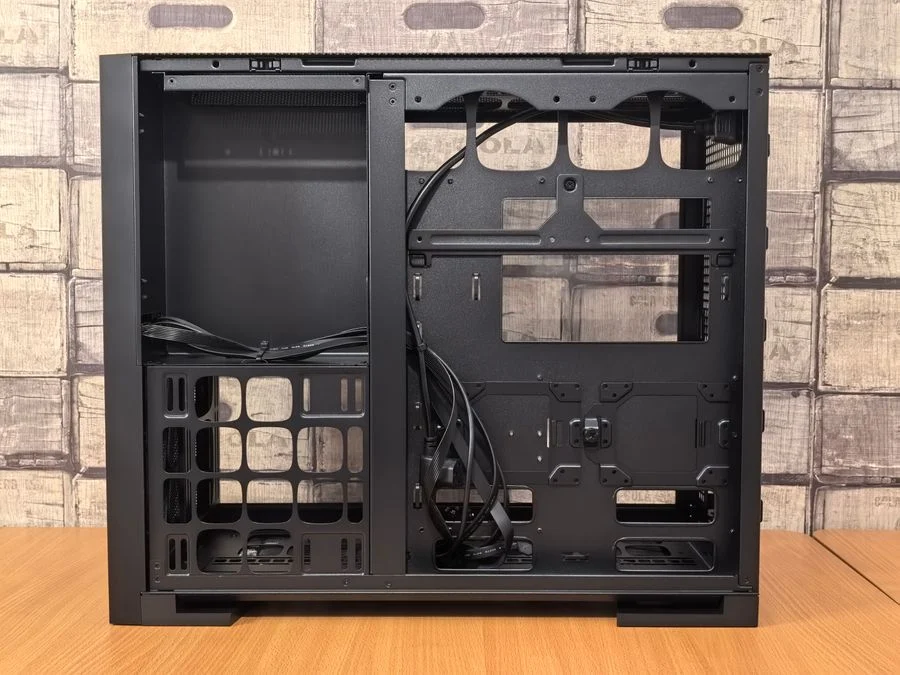
With a modular PSU, you attach only the cables your components require. That means fewer unused cables sitting in your case, which makes routing cleaner and can leave more room for air to move. A non modular unit forces you to deal with every cable, including the ones you do not need.
Cable clutter is not just cosmetic. Unused cables can block airflow near the GPU or crowd the space behind the motherboard tray. If you are building in a small case, modular cables give you more control over what occupies that space.
When Non Modular Cables Are Fine
A non modular PSU works well in a roomy case where you can tuck the extra cables behind the motherboard tray. If your build uses most of the cables anyway, the difference in clutter shrinks. The trade-off is that you have less flexibility if you later remove a component.
Cost and Installation Trade-Offs
Modular designs usually cost more because of the extra connectors and cable sets. Non modular units save money by fixing every cable to the housing. If your budget is tight and your case has room, a non modular PSU can put more of your money toward other parts.
Installation differs too. A non modular PSU is ready to go once you mount it. A modular unit takes a little longer because you plug in each cable, but the payoff is a cleaner final build. Neither approach is difficult, but modular units reward patience.
The Modular Cable Rule You Must Follow
Never mix cables from different power supplies, even if the connectors look identical. Pinouts differ between brands and models, and using the wrong cable can damage your components. Use only the modular cables that came with that exact PSU.
Safety and Sizing Basics for Either Design
Never open a power supply. Its capacitors can hold a dangerous charge after unplugging, and there are no user-serviceable parts inside. If a unit fails, contact the manufacturer rather than attempting a repair.
Size the PSU from the component makers' recommendations rather than a guess. Check the GPU and CPU spec sheets for their power guidance, then add headroom for drives and fans. For a gaming build, my roundup of 850W power supplies for gaming PCs can help you compare units that match that guidance.
Seat GPU power connectors fully and avoid sharp bends near the plug. A loose connector can cause instability or damage. If noise matters to you, my roundup of quiet power supplies covers designs that prioritize low fan noise.
Which One Should You Choose
Your case, budget, and upgrade plans decide this more than any spec sheet. Use the lists below to match the design to your situation.
Choose a Modular PSU If
- You want clean cable routing and fewer unused cables in the case.
- You build in a small or airflow-focused case where clutter matters.
- You upgrade often and want to add or remove cables as parts change.
- You are willing to pay more for flexibility and tidiness.
Choose a Non Modular PSU If
- Your case has plenty of room to hide extra cables.
- You want to put more of your budget toward other components.
- Your build uses most of the attached cables anyway.
- You prefer the simplest installation with no cable matching.
Whichever you pick, avoid the common mistakes: guessing wattage instead of checking maker recommendations, mixing modular cables between units, and forcing sharp bends at GPU connectors. Those errors cause more problems than the modular question itself.
Frequently Asked Questions
Is a modular power supply better than a non modular one?
Modular is better for cable management and airflow because you attach only the cables you need. Non modular units are simpler and usually cost less. The better choice depends on your case size, budget, and how often you upgrade.
Can I use modular cables from another power supply?
Do not use cables from a different PSU, even if they fit. Pinouts differ between brands and models, and a mismatch can damage your components. Use only the cables that came with that exact power supply.
Does a non modular power supply hurt airflow?
It can, because unused cables take up space and may block air near the GPU or behind the motherboard tray. In a roomy case with good cable routing, the effect is small. In a tight case, modular cables give you more control.
How do I pick the right wattage for either design?
Use the component makers' recommendations rather than a guess. Check the GPU and CPU spec sheets, then add headroom for drives and fans. The modular question does not change how you size the unit.
Final Thoughts
The most important takeaway is that modular versus non modular is a question of cable control and budget, not performance. Match the design to your case and upgrade plans, and follow the safety basics either way.
Check the manufacturer spec sheet for your exact unit, use only its included cables, and size it from component maker guidance. A sensible PSU choice is one you barely notice after the build is done.