An air cooler is the simpler, more reliable choice for most PC builds, while a liquid cooler makes sense when you need maximum cooling headroom or a cleaner look inside the case. Neither is universally better; the right pick depends on your CPU, case, and how much noise you can tolerate.
I based this guide on manufacturer manuals and spec sheets, published standards such as ATX, and widely documented PC building practice. You will see where each option wins, where it falls short, and the mistakes that trip up first-time builders.
Air Cooler vs Liquid Cooler at a Glance
The table below compares the two cooler types across the criteria that matter most when you are planning a build. Use it as a starting point, then read the sections below for the details that affect your specific hardware.
| Criterion | Air Cooler | Liquid Cooler |
|---|---|---|
| Cooling capacity | Good for most mainstream CPUs | Higher headroom for high-power CPUs |
| Noise | Often quieter at low loads | Pump noise plus fan noise |
| Space and clearance | Tall towers can block RAM and side panels | Radiator needs mounting space |
| Installation | Straightforward, no liquid handling | More steps, leak awareness needed |
| Reliability | Few moving parts, long lifespan | Pump is a wear item |
| Aesthetics | Functional, visible heatsink | Cleaner look, RGB options common |
| Maintenance | Occasional dust cleaning | Dust cleaning plus pump monitoring |
| Cost | Lower entry point | Higher entry point |
Cooling Performance and Noise
For most mainstream CPUs, a well-sized air cooler handles heat without breaking a sweat. Tower coolers with large heatsinks and 120mm or 140mm fans move enough air for gaming and everyday work. You only need to step up when your CPU runs hot under sustained loads.
Liquid coolers shine when you push a high-core-count CPU or overclock. A larger radiator spreads heat over more surface area, and the fans can run at lower speeds under light loads. That said, the pump adds its own noise, and cheap pumps can be audible in a quiet room.
What Actually Matters for Noise
- Fan quality and bearing type affect perceived noise more than cooler type.
- Pump speed control on liquid coolers can reduce idle noise if the firmware supports it.
- Case airflow matters: a cooler cannot fix a case with poor intake and exhaust.
- Room temperature affects how hard either cooler works; hot rooms need more headroom.
If your room runs warm in summer, plan for extra cooling capacity regardless of type. My roundup of CPU coolers for hot rooms covers options built for that situation.
Space Clearance and Installation
Air coolers are tall. Before you buy, check the cooler height against your case's CPU cooler clearance and check RAM height against the cooler's fan overhang. A large tower can block your first RAM slot or press against a side panel, so measure twice.
Liquid coolers move the bulk to the radiator, which mounts at the front, top, or rear of the case. That frees up space around the CPU socket, but you need room for the radiator plus fans. Front mounting can push warm air into the case, so plan your airflow path.
Installation Steps That Apply to Both
- Shut down the PC, switch off the PSU, and unplug it before opening the case.
- Ground yourself by touching bare metal on the case or wearing an anti-static wrist strap.
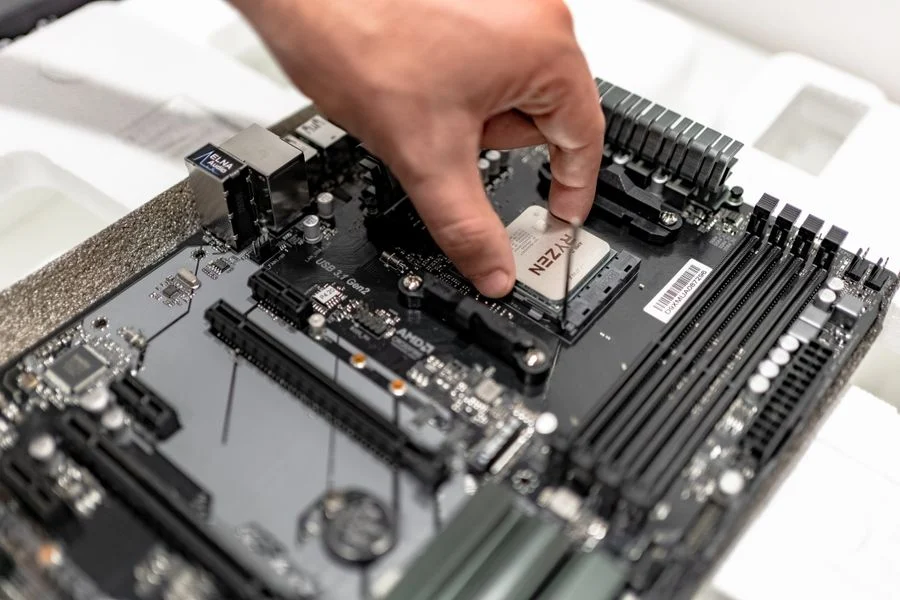
- Follow the motherboard and cooler manuals for socket compatibility, mounting hardware, and fan headers.
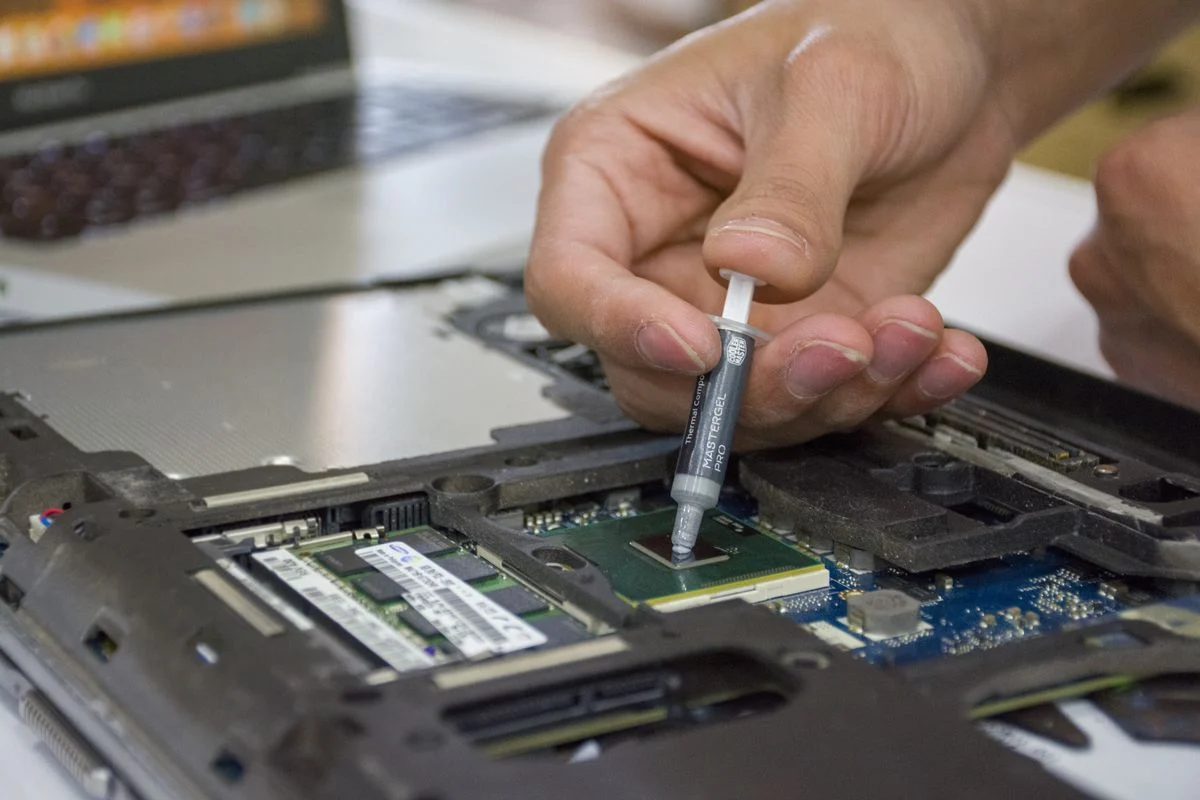
- Apply thermal paste per the cooler manual; too much or too little both hurt performance.
- Route cables before closing the case so you do not stress connectors.
For liquid coolers, double-check that the pump header is connected and that the radiator fans push air in the direction you intend. A BIOS update should never be interrupted, and that applies to any firmware step you take while setting up cooling profiles.
Reliability and Long-Term Maintenance
An air cooler has one moving part: the fan. If a fan fails, you replace it. The heatsink itself can last for years with occasional dusting. That simplicity is why air coolers are the default recommendation for builds that need to run unattended.
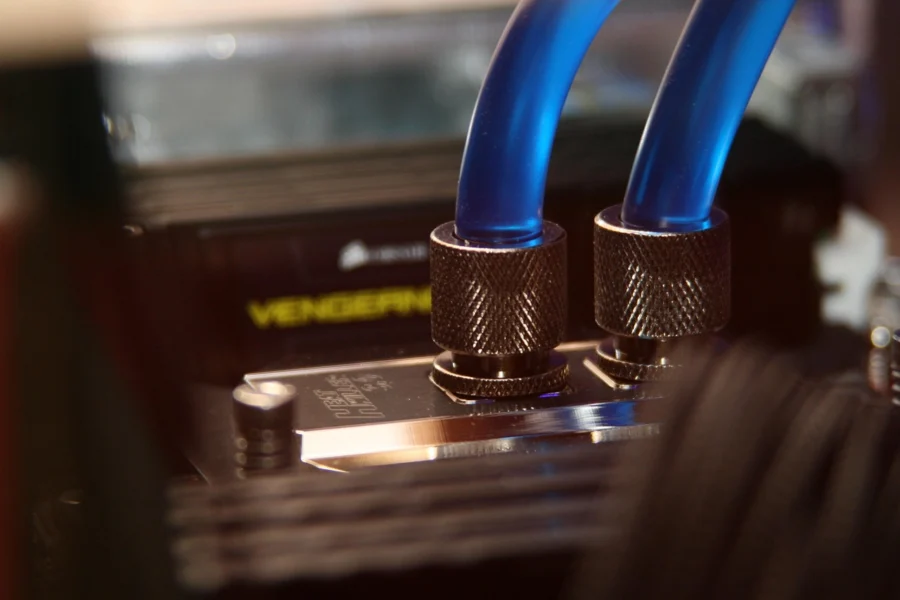
A liquid cooler adds a pump, tubing, and a sealed loop. Pumps wear out over time, and while leaks are uncommon, they are possible. Mount the radiator so the pump is not the highest point in the loop, which helps avoid air pockets and extends pump life.
Maintenance Habits for Either Type
- Dust the heatsink or radiator fins every few months with compressed air.
- Check fan spin and listen for bearing noise during routine cleaning.
- For liquid coolers, watch pump speed in the BIOS or monitoring software.
- Keep the case intake filters clean so both cooler types get fresh air.
If you want a cooler that matches a gaming build's airflow and noise goals, my roundup of CPU coolers for gaming is a good place to compare specific models.
Which One Should You Choose
There is no single winner. Match the cooler to your CPU, case, and tolerance for maintenance. The lists below give you a clear decision path.
Choose an Air Cooler If
- You run a mainstream Intel or AMD CPU for gaming and everyday work.
- You want fewer failure points and no pump to monitor.
- Your case has enough CPU cooler clearance and RAM height clearance.
- You prefer a lower entry cost and simple installation.
- You keep the build in a room that stays reasonably cool.
Choose a Liquid Cooler If
- You run a high-power CPU under sustained loads like rendering or streaming.
- Your case lacks tall cooler clearance but has radiator mounting space.
- You want a cleaner look through a tempered glass side panel.
- You are willing to monitor pump speed and accept a wear item.
- Your room runs warm and you need extra thermal headroom.
Whichever you pick, confirm socket compatibility and clearance from the manufacturer manual before ordering. Platform matters too: some mounting kits differ between Intel and AMD sockets, and older hardware generations may need a separate bracket.
Frequently Asked Questions
Is a liquid cooler better than an air cooler for gaming?
For most gaming builds, a good air cooler is enough and often quieter at low loads. A liquid cooler helps when you run a high-power CPU under sustained load or need radiator space instead of tall heatsink clearance.
How long do air coolers and liquid coolers last?
Air coolers can last many years because only the fan wears out. Liquid coolers last several years but the pump is a wear item, so plan to monitor pump speed and replace the unit if noise or temperatures change.
Do I need a liquid cooler for a hot room?
Not necessarily. A larger air cooler with strong case airflow can handle a warm room. If your CPU runs hot under load, a liquid cooler with a bigger radiator gives more headroom, but airflow and room temperature still matter.
Can a liquid cooler leak and damage my PC?
Leaks are uncommon but possible, so mount the radiator so the pump is not the highest point and check tubing during cleaning. Follow the manufacturer terms for warranty coverage and handle the loop carefully during installation.
Final Thoughts
The most important takeaway: match the cooler to your CPU's heat output and your case's clearance, not to a general rule. Most builds are well served by a quality air cooler, and a liquid cooler is worth it when you need headroom or space savings.
Check the manuals, measure your case, and ground yourself before installation. A careful install matters more than the cooler type you pick.