


A dynamic microphone is the safer pick for most untreated rooms and live streaming, while a condenser microphone is the better pick when you can control your space and want more detail. The right choice depends less on specs and more on your room, your voice, and how much setup work you will tolerate.
Both types can sound excellent. The common mistake is buying a condenser for a noisy room or a dynamic mic for a quiet studio where detail matters. I based this guide on manufacturer manuals and spec sheets, published audio standards, and widely documented studio practice.
Dynamic vs Condenser Microphone Comparison Table
Use this table to see how the two types differ across the criteria that affect daily use. The right column matters more than raw specs for most desk setups.
| Criterion | Dynamic Microphone | Condenser Microphone |
|---|---|---|
| Capsule design | Moving coil, heavier diaphragm | Lightweight diaphragm with external bias |
| Polar pattern options | Often cardioid, some switchable | Cardioid, omni, figure eight common |
| Sensitivity | Lower output, needs more gain | Higher output, easier to drive |
| Room noise pickup | Forgiving in untreated rooms | Picks up room reflections and noise |
| Detail and transient response | Smoother, less fine detail | More detail and air in the top end |
| Power needs | Usually no external power | Often needs phantom power |
| Best placement distance | Close, inches from the mouth | Can work farther back with care |
| Typical desk use | Streaming, calls, loud rooms | Voiceover, music, treated rooms |
How Each Type Handles Your Room
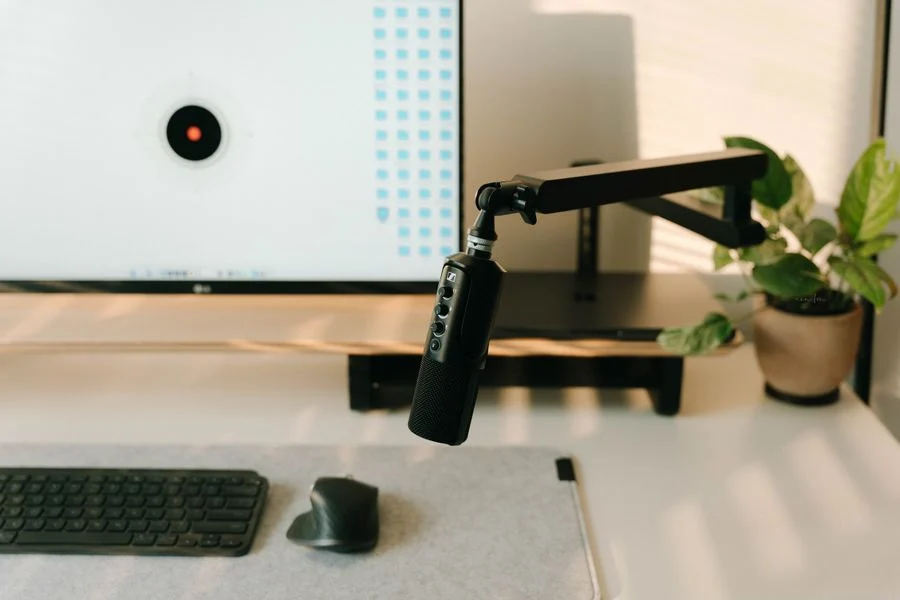
Your room is the biggest factor in this decision. A dynamic microphone's lower sensitivity and tighter pickup pattern reject more background noise, which helps in rooms with fans, traffic, or shared walls. A condenser microphone's higher sensitivity captures more of everything, including the room itself.
If you stream from a bedroom or apartment with hard floors and bare walls, a dynamic mic is usually the practical choice. If you have acoustic treatment or a quiet dedicated space, a condenser can reward you with more natural detail.
Placement and Gain
Dynamic mics typically want you close, often within a few inches of the capsule, and they need more gain from your interface or mixer. Condenser mics can sit farther back, but that also means they capture more of the room. Check your interface's gain range and noise floor in its manual before you commit.
- Place a dynamic mic close and speak across the capsule, not directly into it.
- Keep a condenser mic a few inches back and aim it away from reflective surfaces.
- Raise gain at the interface, not in software, to avoid added noise.
- Use a pop filter or foam windscreen with either type.
Sound Character and Common Uses
Dynamic mics tend to sound smooth and controlled, with less fine detail in the top end. That works well for streaming, podcasting, and calls where consistency matters more than airiness. Condenser mics tend to sound more open and detailed, which suits voiceover, singing, and acoustic instruments.
Neither type is better in every case. A dynamic mic can sound dull if you need brightness, and a condenser can sound harsh or noisy if your room and gain staging are not under control.
Connections and Power
Many dynamic mics are available in USB and XLR versions, while condensers often need phantom power from an audio interface or mixer. Confirm the connection type and power requirement in the product manual before buying. If you want a simple USB setup, my roundup of USB microphones for streaming covers practical options.
If you plan to grow into an interface and mixer setup, XLR models give you more flexibility. My roundup of dynamic XLR microphones for streaming lists models built for that path.
Which One Should You Choose
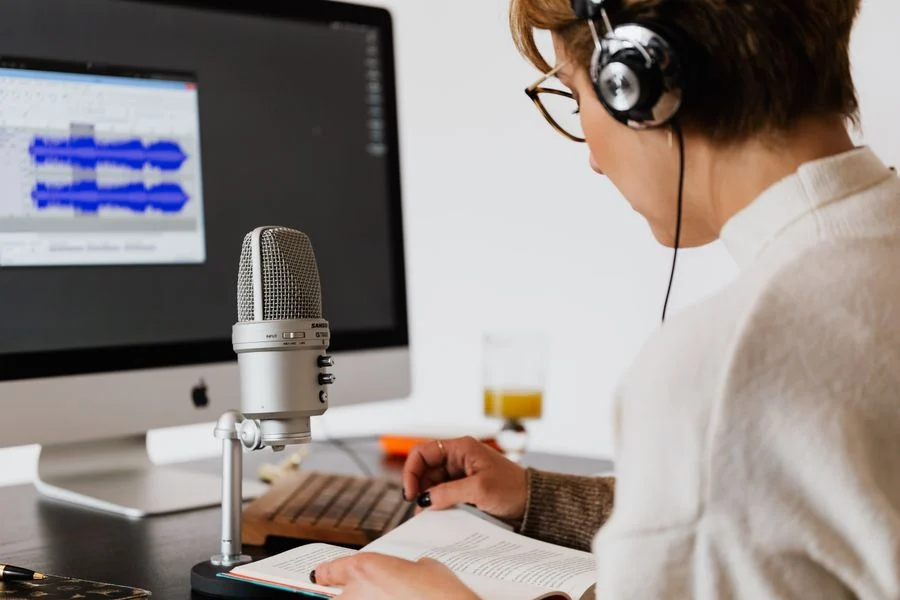
Choose based on your room, your voice, and the work you actually do. Both types can serve you well if you match them to the conditions.
Choose a Dynamic Microphone If
- You record or stream in an untreated room with background noise.
- You want a forgiving mic that sounds consistent at close range.
- You prefer a simple setup without phantom power.
- You stream, take calls, or record spoken word more than music.
Choose a Condenser Microphone If
- You have a quiet room or acoustic treatment.
- You want more detail for voiceover, singing, or instruments.
- You can manage gain staging and phantom power.
- You are willing to control reflections and background noise.
If you are unsure, start with a dynamic mic and improve your room first. You can always add a condenser later once your space is quiet enough to benefit from it.
Mistakes to Avoid and Safety Notes
The most common mistake is buying a condenser for a noisy room and then fighting background noise with software. Another is placing a dynamic mic too far away and then maxing out gain, which raises hiss. Match the mic to the room before you buy.
Follow the manufacturer's manual for phantom power, gain settings, and mounting. Use a stable stand or boom arm so the mic cannot fall onto your desk or equipment, and keep liquids away from the capsule. If you experience hearing discomfort or pain from long sessions, stop and consult a doctor or physical therapist.
- Confirm phantom power requirements before connecting a condenser.
- Set gain at the interface and keep software gain low.
- Use a shock mount or boom arm to reduce desk vibrations.
- Check the manual for model-specific values and support contacts.
Frequently Asked Questions
Is a dynamic or condenser microphone better for streaming?
A dynamic microphone is usually better for streaming in an untreated room because it rejects more background noise. A condenser can work well if your room is quiet and treated, but it will capture more of the space around you.
Do condenser microphones need phantom power?
Most condenser microphones need phantom power from an audio interface or mixer. Check the product manual for the exact requirement, because some models offer USB or battery options instead.
Can a dynamic microphone sound as detailed as a condenser?
A dynamic microphone can sound clear and controlled, but it typically captures less fine detail than a condenser. The difference matters most for voiceover and music, and less for streaming and calls.
Which microphone type is easier to set up?
A USB dynamic microphone is usually the easiest to set up because it needs no interface or phantom power. An XLR condenser requires an interface, a cable, and phantom power, so plan for those extras.
Final Thoughts
The single most important takeaway is to match the microphone to your room before you match it to a spec sheet. A dynamic mic in a noisy room will usually serve you better than a condenser that hears every fan and reflection.
Start with your space, then choose the type that fits it. Check the manual for power and gain details, and upgrade only when your room and workflow justify it.


