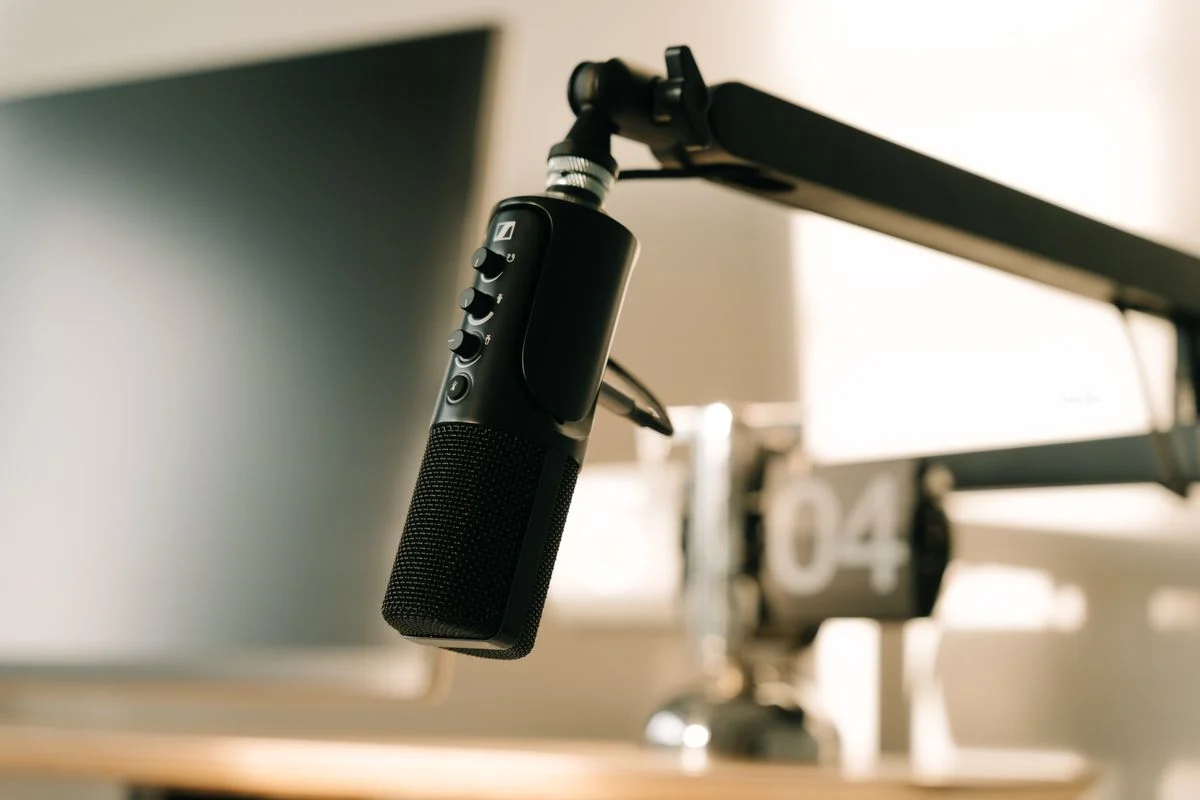
A USB microphone plugs straight into your computer and works without extra hardware, while an XLR microphone needs an audio interface or mixer to connect. If you want the simplest possible setup for streaming or calls, go USB; if you want more control over gain, noise floor, and future upgrades, go XLR.
The choice affects your desk layout, your budget for supporting gear, and how easily you can change microphones later. I based this guide on manufacturer manuals and spec sheets, published standards such as USB, and widely documented PC building practice. Below you get a direct comparison, the differences that actually matter day to day, and a clear verdict for each type of user.
USB vs XLR Microphone Comparison Table
The table below summarizes the practical differences. Use it as a quick reference, then read the sections that follow for the reasoning behind each row.
| Criteria | USB Microphone | XLR Microphone |
|---|---|---|
| Connection | Plugs into a USB port on your PC or laptop | Connects to an audio interface or mixer via XLR cable |
| Extra hardware | None required | Audio interface or mixer required |
| Setup effort | Low: plug in and select the device | Moderate: cable, interface, driver, and gain setup |
| Audio control | Basic gain and mute on the mic or in software | Gain, headroom, and monitoring handled by the interface |
| Upgrade path | Replace the whole microphone | Keep the interface and swap microphones |
| Desk footprint | One cable to the computer | Mic cable plus interface and its cable |
| Best for | Solo streamers, calls, quick recording | Multi-mic setups, mixing, long-term growth |
| Portability | High: works with a laptop alone | Lower: needs the interface too |
Setup and Desk Footprint
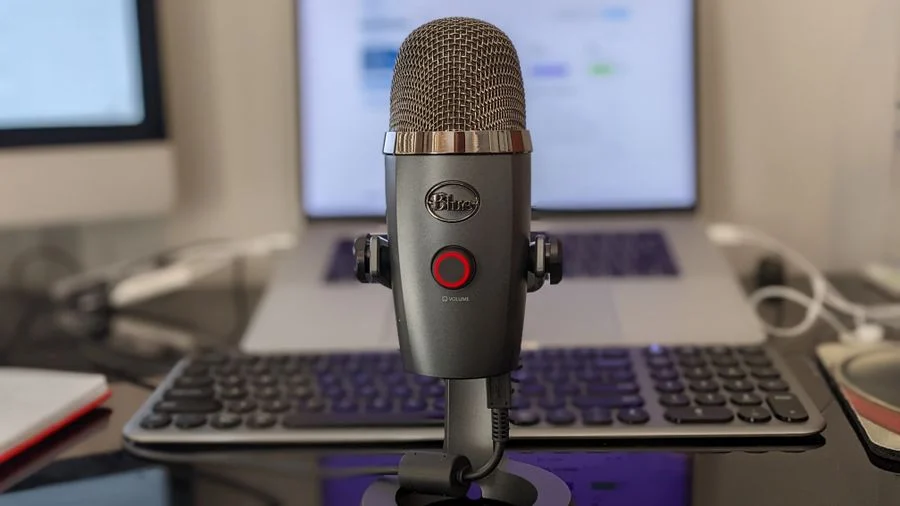
A USB microphone is the shorter path from box to broadcast. You plug it into a USB port, select it in your streaming or recording software, and set the gain. There is no interface to power, no cable routing to plan beyond the mic itself, and no driver dance on most modern operating systems. If you stream from a laptop or move your setup between rooms, that simplicity matters.
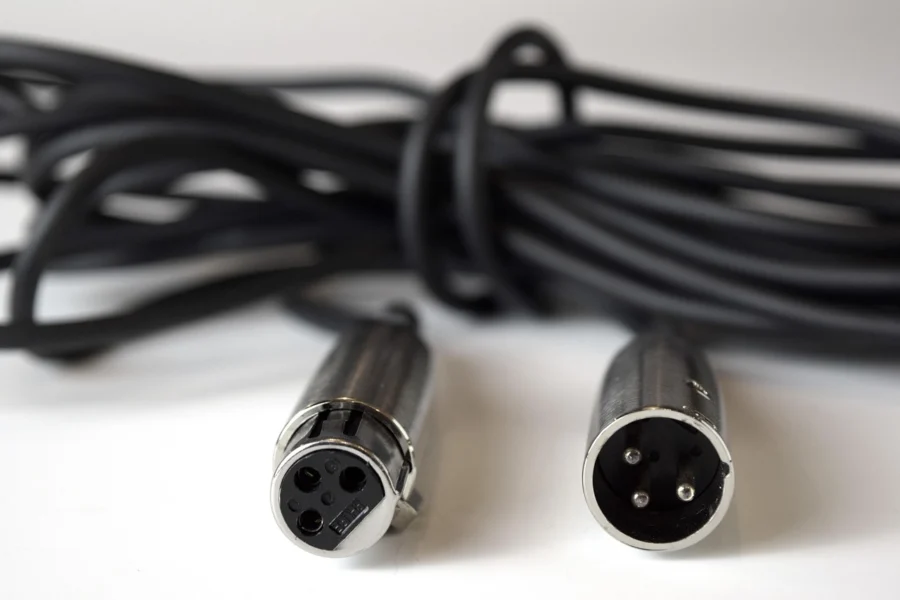
An XLR microphone needs an audio interface or mixer between the mic and your computer. That means an extra box on your desk, an XLR cable from mic to interface, and a USB cable from interface to PC. You also need to set gain on the interface and confirm the computer sees the interface as the input device. The payoff is a cleaner signal path and more control, but the setup is undeniably more involved.
Think about your desk before you buy. A USB mic keeps your footprint small, which helps on compact desks or when you share space. An XLR chain adds a device and cabling, so measure your available space and plan where the interface will sit. If your desk is already crowded, a USB mic may be the more practical choice.
Audio Control and Signal Quality
USB microphones handle gain and monitoring internally, so your control is usually limited to a gain knob and a mute button, plus whatever your software offers. That is enough for a single person speaking into one mic. It is less flexible when you need precise headroom, want to monitor with zero-latency hardware, or plan to add a second microphone.
XLR microphones pass an analog signal to an interface, which gives you a proper gain stage, hardware monitoring, and often a headphone output with direct monitoring. That control helps you keep levels consistent and avoid clipping. It also makes multi-mic setups, such as a host and a guest, far easier to manage because each mic gets its own input channel.
Signal quality depends on the microphone and the interface, not the connector alone. A well-built USB mic can sound clean, and a poorly matched XLR chain can sound worse than a good USB mic. Match the microphone to the interface, follow the manufacturer's gain guidance, and treat the connector as one part of the chain rather than a guarantee of quality.
Upgrades, Mixing, and Long-Term Flexibility
The biggest long-term difference is how you grow. With USB, upgrading means replacing the entire microphone. With XLR, you keep the interface and swap microphones as your needs change, which is useful if you move from solo streaming to interviews or a two-person show. If you plan to add a second mic, an interface with multiple inputs is the natural path.
Mixing is another factor. An audio interface gives you separate inputs and often hardware controls for each channel, which simplifies balancing voices and setting levels. USB mics usually present a single input, so multi-source mixing happens in software. That works, but it is less tidy when you have several people talking.
If you are shopping, my roundup of USB microphones for streaming covers plug-and-play options, while my roundup of dynamic XLR microphones for streaming covers mics that pair with an interface. Compare those lists against your desk space and whether you expect to add a second voice.
Which One Should You Choose
Choose based on your workflow, not on which connector sounds more professional. Both types can deliver clean audio for streaming, calls, and recording. The right pick is the one that fits your desk, your software, and how you expect your setup to change.
Choose a USB Microphone If:
- You want the simplest setup with no extra hardware.
- You stream or record solo from a laptop or a single PC.
- Your desk space is limited and you prefer one cable.
- You do not plan to add a second microphone soon.
- You want to move the mic between computers easily.
Choose an XLR Microphone If:
- You want precise gain control and hardware monitoring.
- You plan to add a second microphone or interview guests.
- You expect to upgrade microphones while keeping your interface.
- You are comfortable setting up an interface and managing cables.
- You want a cleaner path to mixing multiple audio sources.
Common mistakes to avoid: buying an XLR mic without budgeting for an interface, choosing a USB mic that cannot be mounted on a boom arm, and ignoring gain staging on either type. Check the manufacturer manual for mounting thread size, power requirements, and supported sample rates before you buy. If you experience pain or discomfort from long sessions, consult a doctor or physical therapist rather than relying on gear to fix it.
Frequently Asked Questions
Is USB or XLR better for streaming?
USB is better for most solo streamers because it works without extra hardware. XLR is better when you want precise gain control, hardware monitoring, or plan to add a second microphone. Pick based on your workflow and desk space, not the connector alone.
Do I need an audio interface for an XLR microphone?
An XLR microphone needs an interface or mixer to connect to your computer. The interface provides the input, gain control, and often headphone monitoring. Without one, the mic cannot feed audio into your streaming or recording software.
Can a USB microphone sound as good as an XLR microphone?
A well-built USB microphone can sound clean for solo streaming and calls. Audio quality depends on the microphone and its placement more than the connector. XLR gives you more control over gain and monitoring, which helps in multi-mic setups.
Can I use an XLR microphone with a laptop?
You can use an XLR microphone with a laptop by connecting an audio interface via USB. The laptop sees the interface as the input device. This adds a device and cabling, so plan your desk space before committing to the setup.
Final Thoughts
The most important takeaway is that USB wins on simplicity and XLR wins on control and growth. If you stream solo and want the shortest path to good audio, a USB microphone is the practical pick. If you expect to add voices, mix sources, or upgrade mics over time, build around an interface and go XLR.
Match the microphone to your desk, your software, and your plans, and check the manufacturer manual for model-specific values before you buy.